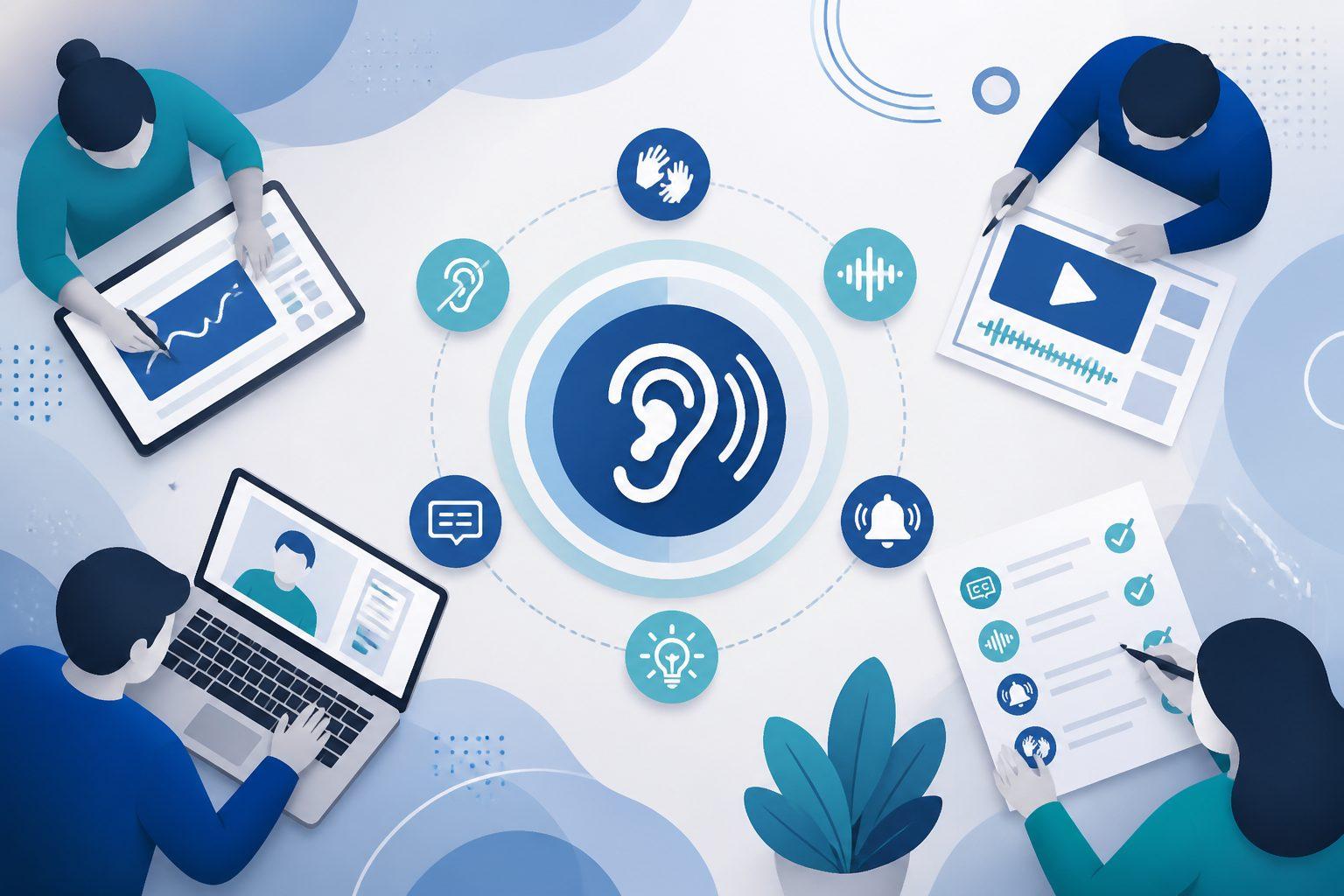
World Hearing Day is observed each year on March 3 to raise global awareness about hearing loss and ear and hearing care. For teams that build digital products, services, and content, it is a good moment to check whether your experiences work well for Deaf and hard-of-hearing people.
Designing for hearing accessibility is bigger than “add captions.” It is about offering clear, flexible communication across every touchpoint so people can choose what works best for them.
Key takeaways
- Make sure audio is not the only way to get information or complete a task.
- Use accurate, complete captions for video and provide transcripts for audio.
- Avoid auto play audio or provide easy controls to stop or pause it.
- Provide text-based support options in addition to phone-only channels.
- Test with Deaf and hard-of-hearing users, not only against a checklist.
Understanding Deaf and Hard-of-Hearing Experiences
The Deaf and hard-of-hearing community is diverse. Some people are culturally Deaf and primarily use sign language. Others are hard of hearing and may rely on hearing aids, cochlear implants, captions, or assistive listening devices. Many people use a mix of visual, text-based, and auditory information depending on the context.
A practical design principle is to offer multiple ways to access information so users can choose what best fits their needs and environment.
Why Hearing Accessibility Matters in Digital Design
Digital experiences often assume people can hear: marketing videos, product demos, onboarding audio, podcasts, webinars, and voice-based customer support.
When sound becomes the primary means of information sharing, Deaf and hard-of-hearing users can be excluded from education, employment, healthcare, and essential services.
Accessibility can also be a legal and procurement issue. Requirements vary by jurisdiction and context, but in the United States, the ADA’s effective communication requirements can apply to covered entities. For U.S. federal agencies and many federal contractors, the Revised Section 508 Standards reference WCAG.
This article is educational, not legal advice.
Core Principles for Accessible Audio and Video
Provide accurate captions for prerecorded video
Captions should be synchronized, accurate, and complete. They should include spoken dialogue, identify speakers when it matters, and include meaningful non-speech audio (like “door slams” or “laughter”) when that sound conveys information. See the W3C guidance on captions for prerecorded media (WCAG Success Criterion 1.2.2.
Practical tips:
- Use human review for accuracy, especially for names, acronyms, and specialized terms.
- Avoid covering key on-screen text when placing captions.
Provide transcripts for audio-only content
If you publish podcasts, audio updates, or recorded calls, provide a transcript. Transcripts also help users search, skim, and reference content later.
Plan for live events: real-time captions and interpreters when appropriate
If you host live webinars, meetings, or streamed events, consider real-time captioning. WCAG addresses live caption needs in Captions (Live), Success Criterion 1.2.4. When you need high-quality live captions, you can use professional services such as Communication Access Realtime Translation (CART). In some contexts, sign language interpretation may also be appropriate, especially for audiences who primarily use sign language.
Avoid autoplay audio and give users control
Unexpected audio can be disruptive, including for people using assistive technology. If audio plays automatically for more than a few seconds, WCAG expects a way to pause, stop, or control volume. See Audio Control, Success Criterion 1.4.2.
Support visual understanding
When possible, make it easy to follow along without sound:
- Use good lighting and a clear view of the speaker’s face to support lipreading and visual cues.
- Avoid talking while off-camera.
- Do not place important information only in the audio track. Show it on screen or provide it in text.
Do not rely on sound alone for alerts or feedback
If your product uses beeps, chimes, or voice-only confirmations, provide a visual equivalent such as text, icons, or a clear status message. Audio can be helpful, but it should not be the only channel.
Accessible Communication Beyond Multimedia
Hearing accessibility also shows up in everyday interactions.
Offer text-based alternatives for support
Do not force customers into phone-only support. Provide options such as live chat, email, and messaging. If you run appointment lines or help desks, consider how users can achieve the same outcomes without needing to speak or be heard on a call.
Use plain language and clear structure
Clear headings, concise writing, and predictable layouts reduce cognitive load for everyone. They also make captions and transcripts easier to use.
Use tools that support accessibility
Choose video players and meeting platforms that support:
- captions (including user-controlled caption settings)
- transcripts
- keyboard navigation
- clear, persistent controls (play/pause, volume, captions on/off)
Getting started: a practical checklist
- Audit your top pages and top videos: do they have captions and transcripts?
- Prioritize high-impact content first (home page videos, onboarding, training, support videos).
- Fix autoplay audio or add easy pause/stop controls.
- Add at least one non-phone support channel for key workflows.
- Create a caption and transcript workflow (owner, tool, QA step, and turnaround time).
- Include Deaf and hard-of-hearing users in usability testing and feedback.
Inclusive design benefits everyone
Designing for Deaf and hard-of-hearing users improves usability for many more people. Captions help people watching videos in noisy spaces, quiet spaces, or sound-off settings. Transcripts make content searchable and easier to reference. Visual alerts and clear status messages can improve clarity for users who may miss audio cues.
Accessibility is not a niche feature. It is a quality practice that can make digital experiences more usable for everyone.
World Hearing Day as a call to action
World Hearing Day is a reminder that access to information and communication matters. When digital experiences work for Deaf and hard-of-hearing users, barriers drop, and participation expands.
Accessibility is not just a compliance task. It is a commitment to inclusive communication that supports better products, stronger relationships, and a more equitable digital world.