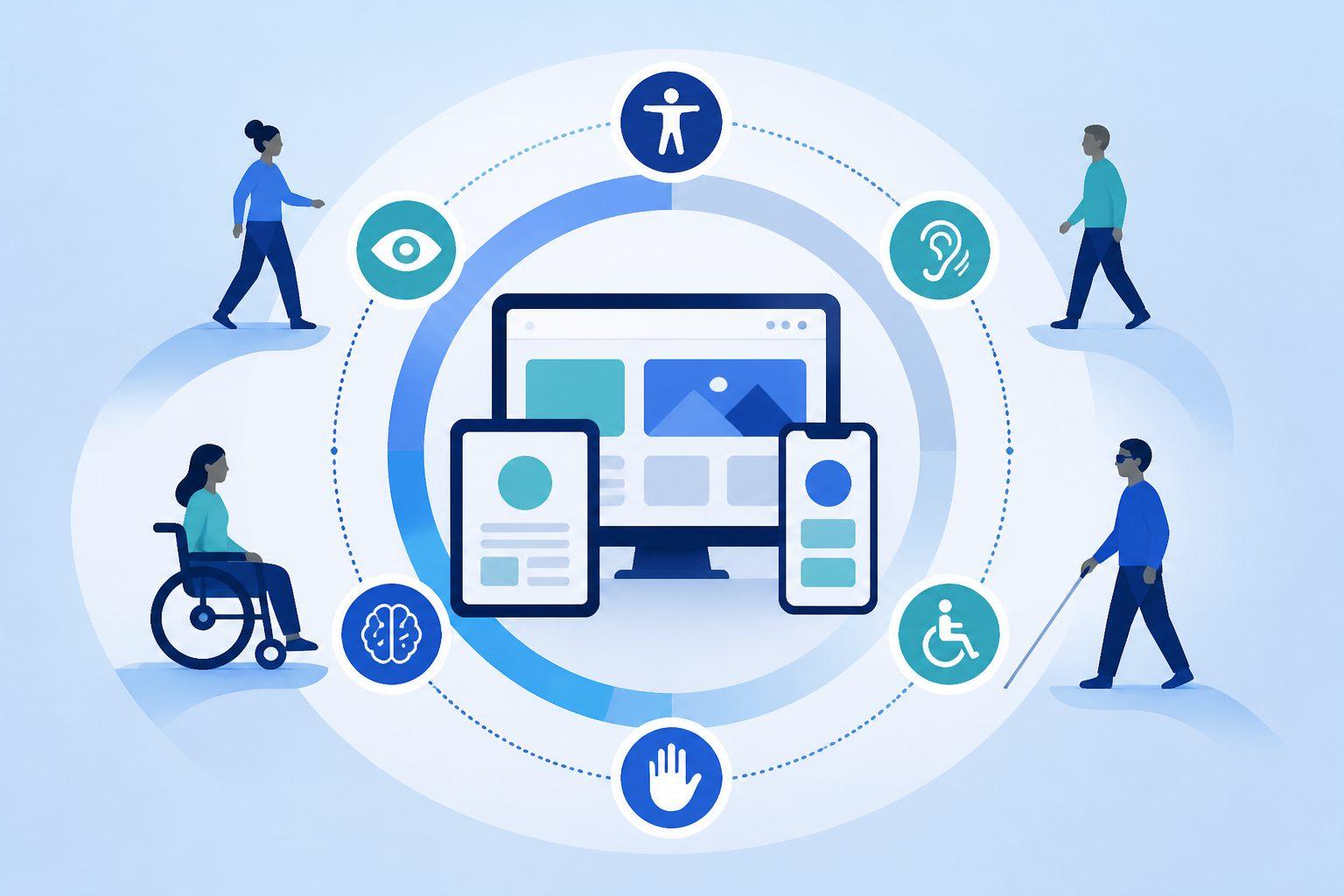
As a new year begins, many organizations set ambitious goals around growth, innovation, and performance. Accessibility and inclusion should be part of that conversation from the start, because disabled people (also commonly called people with disabilities) make up a significant share of your employees, customers, and community.
Inclusive goals help you reduce barriers, improve experiences, and build trust. They also help you stay ready for legal and policy changes that affect digital content, hiring, procurement, and customer service.
Note: This article shares general information, not legal advice. Requirements vary by jurisdiction, sector, and the services you provide.
Key takeaways
- Treat inclusion and accessibility as core business goals, not side projects.
- Set measurable targets (audits, remediation, training completion, procurement requirements) with owners and timelines.
- Involve disabled people in planning and testing to avoid assumptions and catch real-world barriers.
- Build accessibility into everyday workflows so teams do not rely on last-minute fixes.
- Track progress with simple metrics and share results to sustain momentum.
Start with clear intent and leadership commitment
Inclusive goals are most effective when leaders back them with visible commitment and practical support.
To start the year:
- State your intent clearly. Include accessibility and disability inclusion in your strategy, operating plan, and internal communications.
- Assign ownership. Name an executive sponsor and accountable owners for key goals.
- Fund the work. Plan for training, testing, remediation time, and vendor requirements.
When leaders include accessibility in planning meetings and performance expectations, it becomes part of how work gets done.
Align inclusion with business objectives
Inclusion works best when it supports the outcomes your organization already cares about, such as customer experience, risk management, talent retention, and digital transformation.
Examples:
- Improving digital accessibility can broaden reach and support access to goods and services online. Use the U.S. Department of Justice guidance on web accessibility and the ADA as a baseline reference.
- Inclusive hiring and onboarding can help you attract and retain talent, especially when internal systems (HR portals, training platforms, collaboration tools) are accessible.
- Accessible internal tools and documents can reduce friction for employees who use assistive technology, which supports smoother day-to-day work.
Set specific, measurable, inclusive goals
Vague intentions rarely create change. Make goals specific, measurable, and time-bound. Instead of “improve accessibility,” define what “improve” means and how you will measure it.
Example goal areas you can measure
1) Audit and remediate priority digital experiences
- Complete accessibility audits for your top web journeys (for example, homepage, pricing, sign-up, checkout, support).
- Fix critical issues affecting keyboard access, form completion, error messages, and content structure.
- Re-test with a mix of automated tools and manual checks.
Use a recognized accessibility standard as your benchmark, such as the Web Content Accessibility Guidelines (WCAG) 2.2 (Web Content Accessibility Guidelines).
2) Train teams by role
- Train developers on semantic HTML, ARIA (Accessible Rich Internet Applications) basics, keyboard support, and testing.
- Train designers on focus states, contrast, layout, and interaction patterns.
- Train content teams on headings, link text, alt text, and accessible documents.
Set a completion target, for example, “90% of employees in web-facing roles complete role-based accessibility training by Q2.”
3) Update procurement requirements
Accessibility often fails when organizations buy tools that are hard to use with assistive technology. Make accessibility part of purchasing:
- Add accessibility requirements to vendor selection criteria.
- Require accessibility documentation from vendors (for example, a VPAT, if relevant to your process).
- Include accessibility obligations in contracts and renewal decisions.
If you work with the U.S. federal government (or are a federal agency), Section 508 requirements are especially important for information and communication technology (ICT).
4) Improve your accessibility support process
- Publish an accessibility statement with a clear contact method.
- Set response-time goals for accessibility feedback (for example, acknowledge within 2 business days).
- Track common issues and fix root causes.
Involve disabled people and diverse perspectives
Inclusive goals are stronger when informed by lived experience. Whenever possible, involve disabled people in planning, testing, and decision-making, whether through employee resource groups, customer research, community partners, or paid usability testing.
The W3C’s guidance on involving users in web projects explains why early involvement helps teams understand real-world barriers and design more effective solutions.
Practical ways to do this:
- Run short listening sessions about barriers in key tasks.
- Include disabled participants in usability studies for major releases.
- Add accessibility feedback checkpoints to pilot programs.
Build accessibility into everyday processes
One of the most reliable ways to achieve inclusive goals is to integrate accessibility into existing workflows across design, development, content creation, events, and procurement.
When teams start early and check throughout the project, they reduce the risk of expensive changes later. The W3C notes that incorporating accessibility from the beginning is often easier and less expensive than retrofitting later (see the W3C web accessibility business case resource)
Where to integrate accessibility
- Design reviews: headings, focus order, contrast, error handling, and responsive behavior.
- Development: semantic structure, keyboard support, labels, and predictable navigation.
- Content workflows: clear headings, descriptive link text, alt text, and captions.
- Quality assurance: definition of done includes accessibility checks, not only visual review.
Provide the right resources
Teams cannot meet inclusive goals without support. Pair expectations with tools and time.
Consider providing:
- A short internal accessibility playbook (by role).
- Templates for accessible content (documents, slide decks, marketing pages).
- Office hours or an internal support channel for accessibility questions.
- Clear escalation paths for accessibility defects.
Track progress and share results
Accountability sustains momentum. Establish metrics, review them regularly, and share updates internally.
Simple metrics to start with:
- Percentage of priority pages that meet your chosen WCAG level.
- Number of critical issues opened vs. closed per month.
- Training completion by role.
- Procurement checkpoints completed (contracts updated, vendors assessed).
- Accessibility feedback trends from customers and employees.
Transparency helps keep accessibility visible, celebrate wins, and spot gaps early.
Stay current with laws and standards that may apply
Legal requirements vary, but many organizations use WCAG as a practical technical baseline.
A few examples to watch:
- U.S. state and local governments: The DOJ’s ADA Title II rule sets specific requirements and compliance dates for web content and mobile apps, using WCAG 2.1 Level A and AA in the federal regulation text.
- European Union businesses serving the EU market: The European Accessibility Act (Directive (EU) 2019/882) applies to covered products and services from June 28, 2025, and is implemented through national laws.
If you operate in multiple regions, set goals that reflect where you do business and what you provide.
Commit to continuous improvement
Inclusive goal setting is not about perfection. It is about progress, learning, and iteration. Barriers will persist, and new ones will emerge as technology evolves.
The best outcome is a repeatable system: clear goals, built-in practices, real-world feedback, and ongoing measurement.